
Press kit
Everything you need to write about Notalune, including images you may publish.
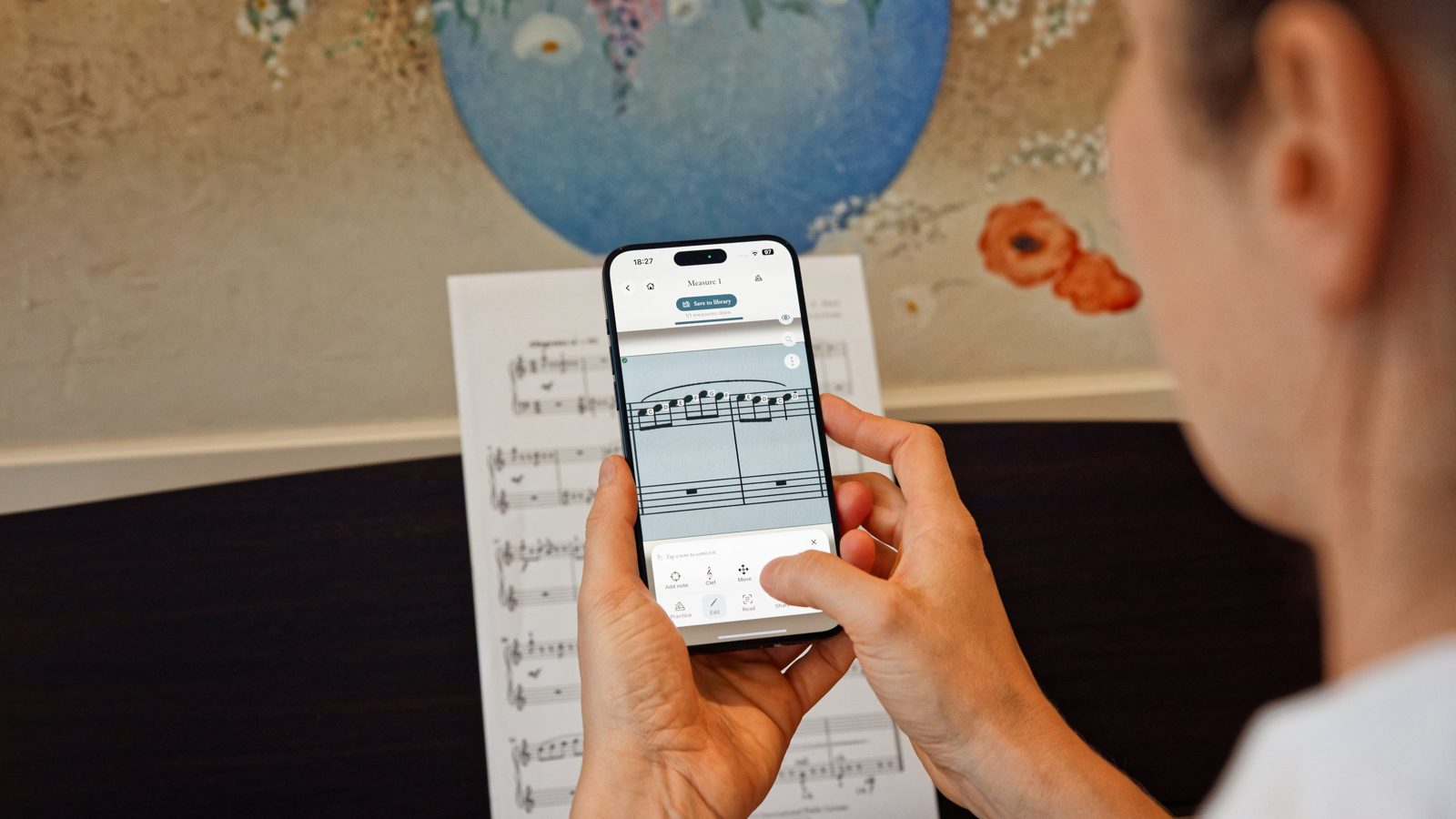
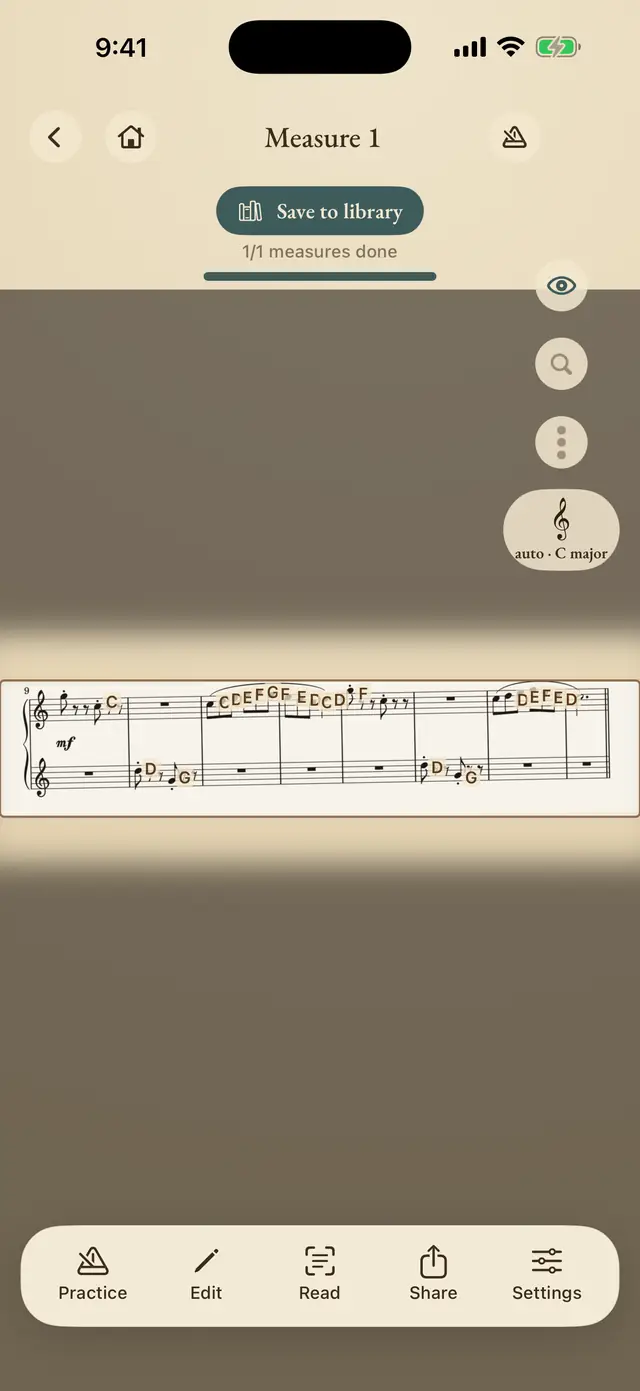
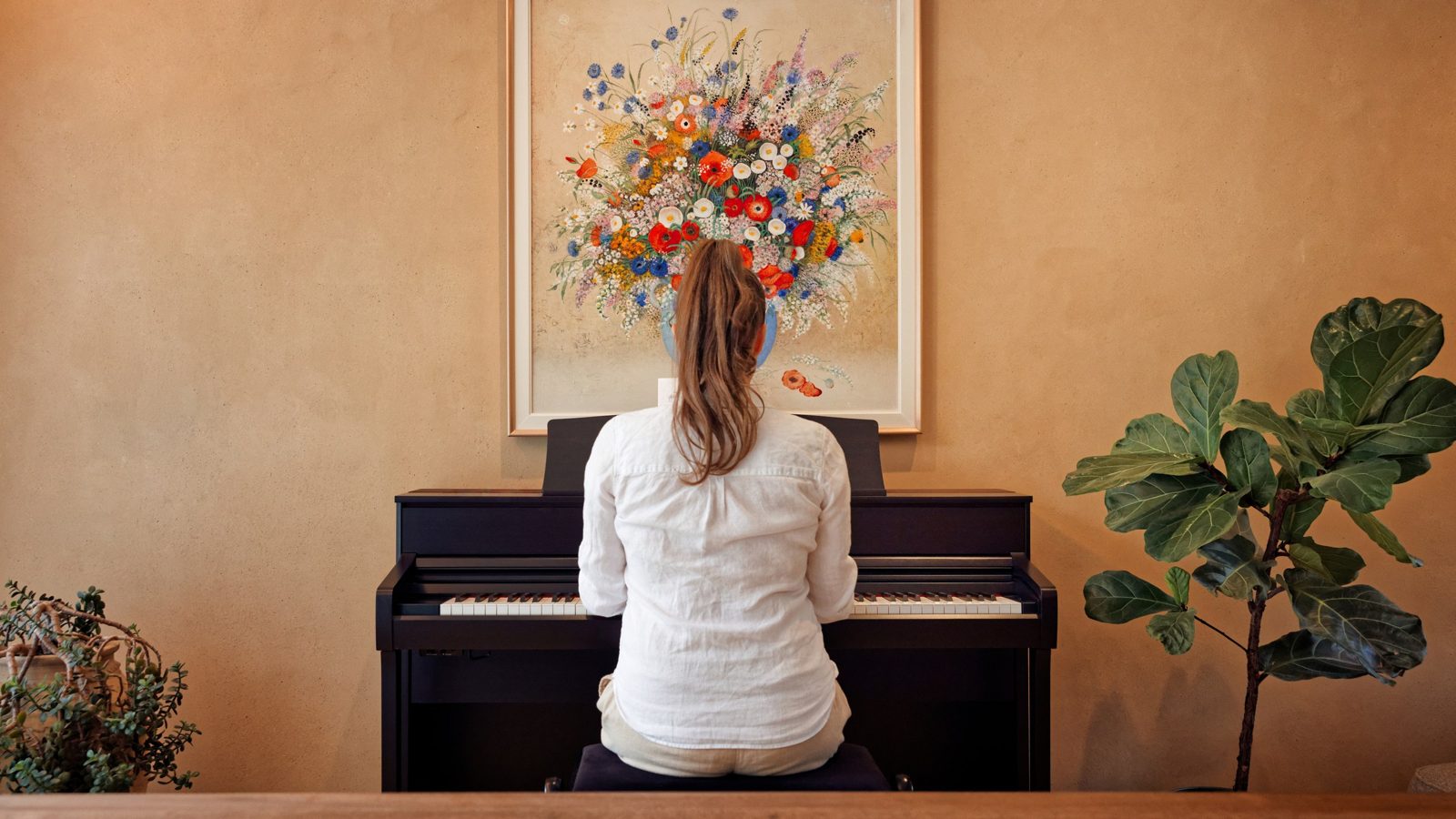
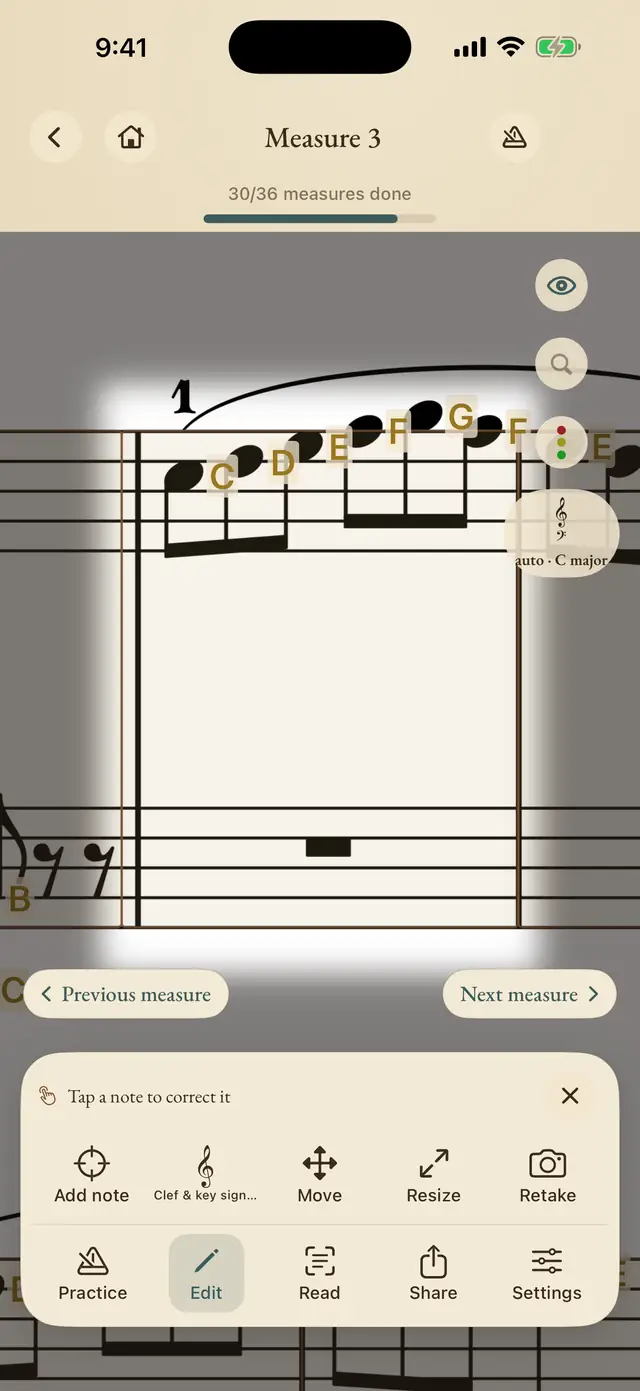
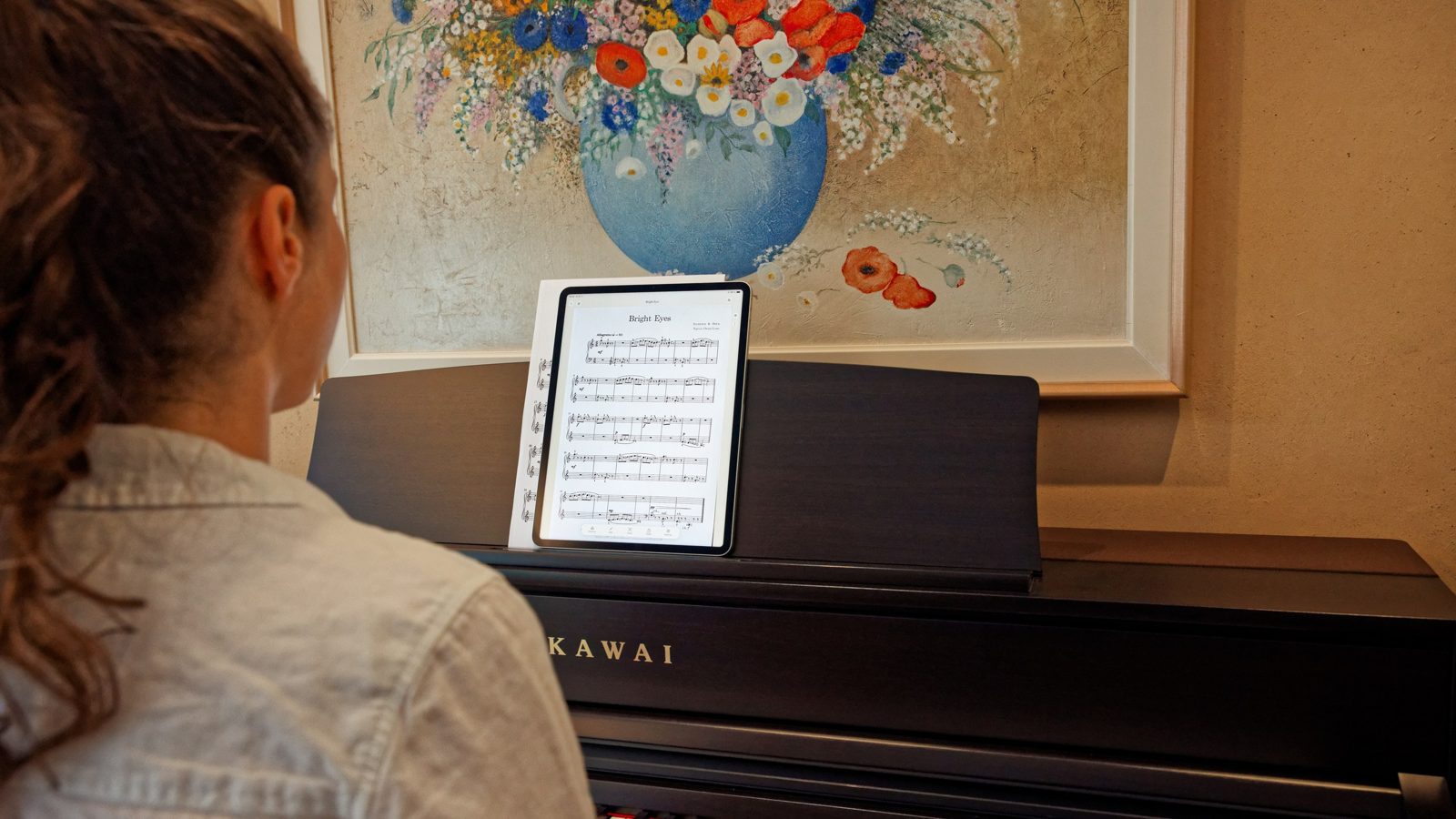
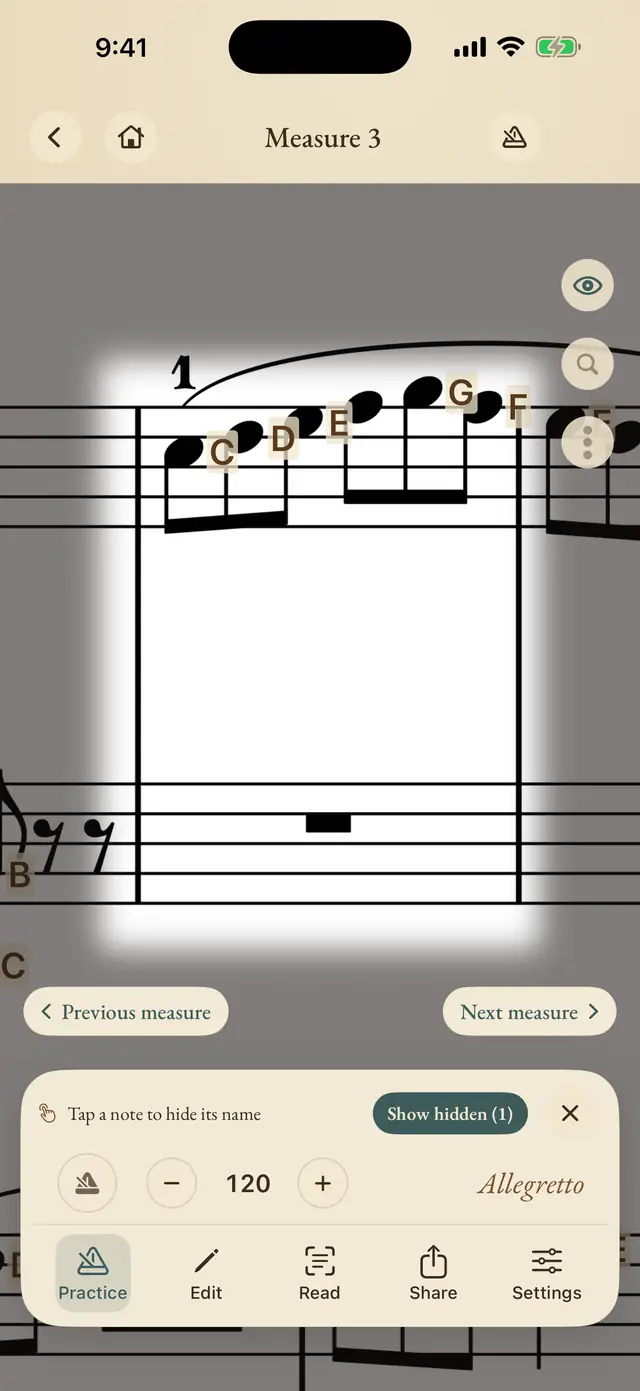
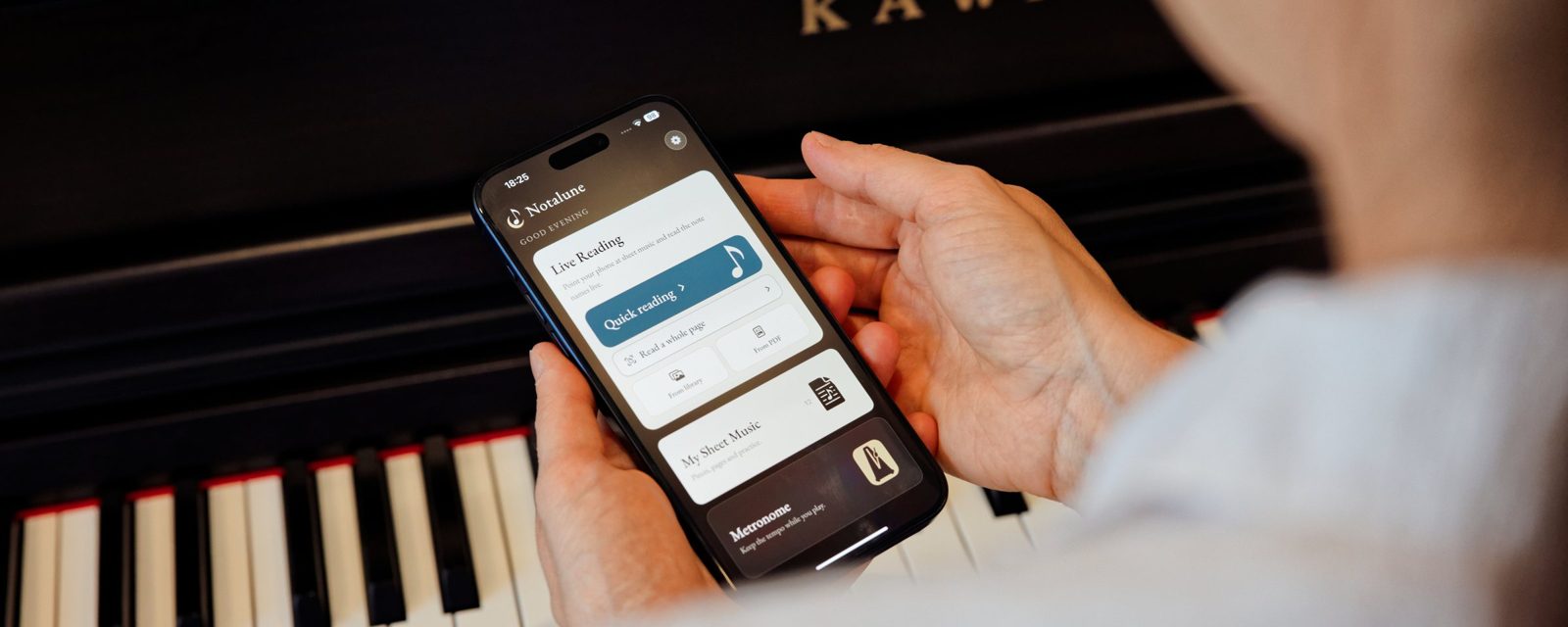
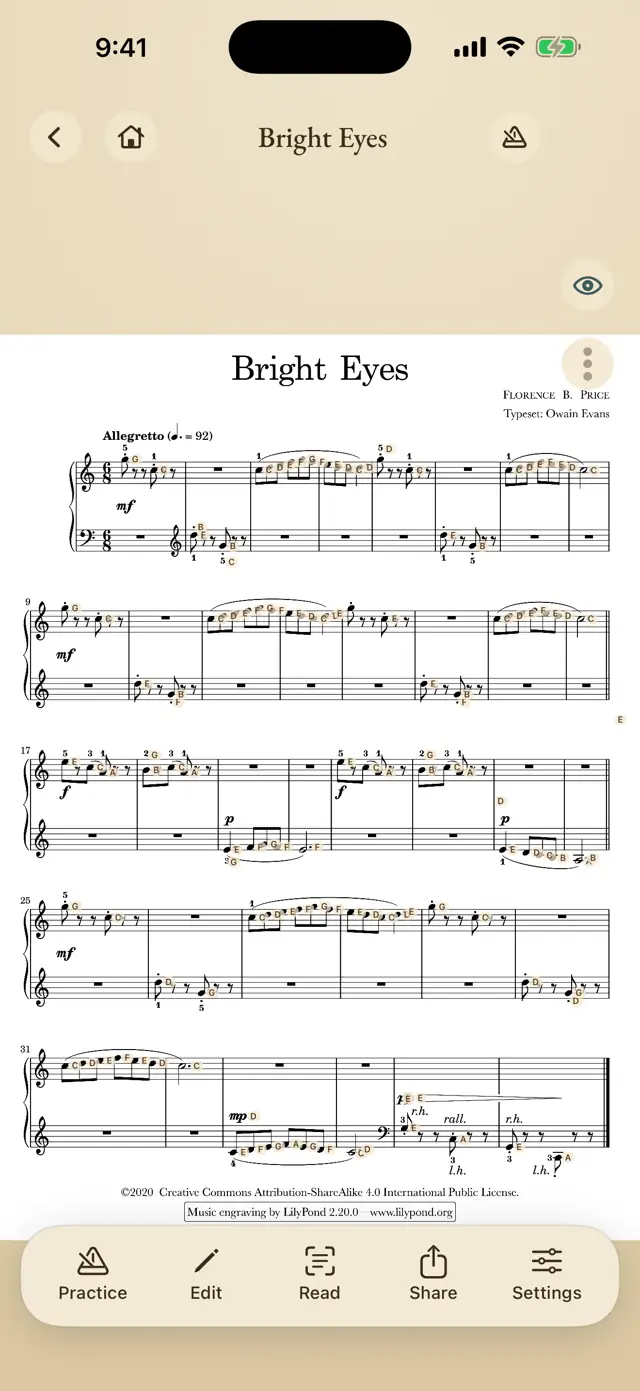
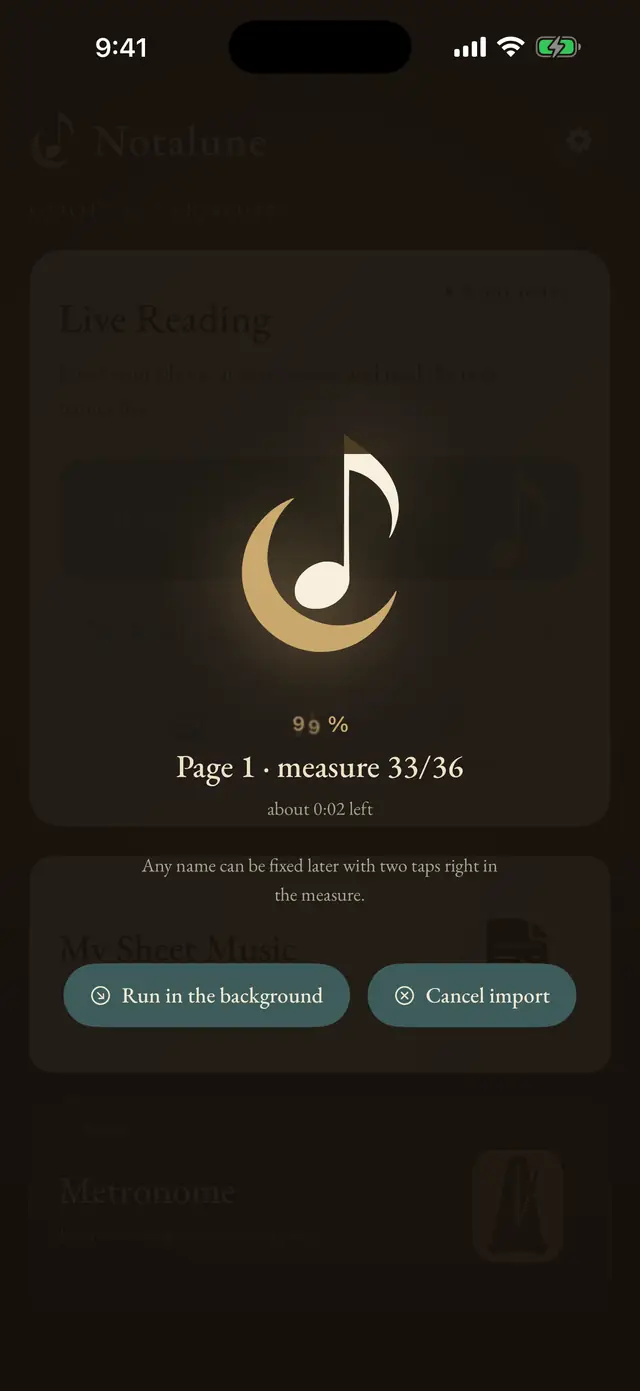
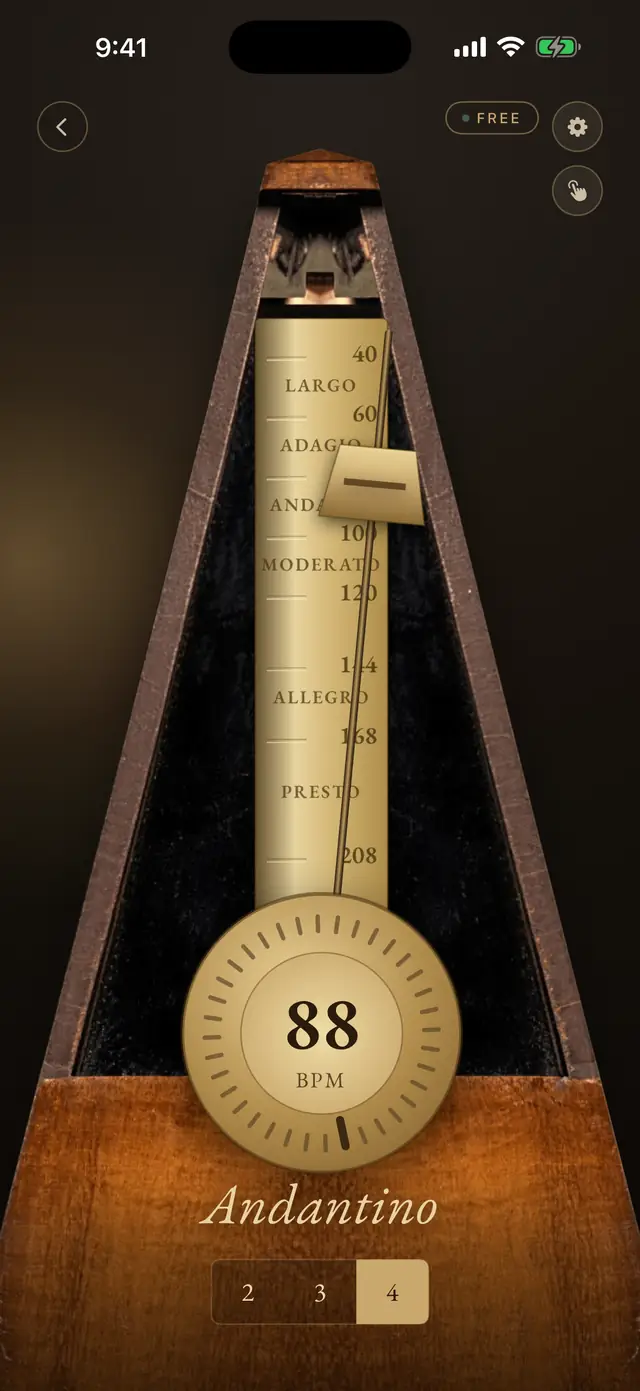
Every image here is yours to publish. Click one to open it large, then download it.
The app in one paragraph
Notalune photographs printed or PDF sheet music and writes the note names onto the notes. Everything runs on the device, so the app works in airplane mode, needs no account, and collects nothing. When the recognition is not certain the note stays blank rather than guess, because a wrong note name teaches a wrong habit. Notalune is made by daylight.studio in Brno, Czechia, and is a one time purchase with no subscription.
Quote the paragraph above as is. It is the official boilerplate.
Fast facts
Notalune for iPhone and iPad. Made by daylight.studio in Brno, Czechia. One time purchase, no subscription, nothing collected.
| Name | Notalune |
|---|---|
| Tagline | Read sheet music |
| Developer | daylight.studio (David Christian Lichtag), Brno, Czechia |
| Platforms | iPhone and iPad, iOS 17 and later |
| Price | $9.99, one time. No subscription, no ads |
| Free tier | 10 readings, 3 pieces with a page each, whole page annotation, practice mode. The metronome is free forever |
| Pro adds | Unlimited readings, pieces and pages, plus printing and sharing annotated PDFs |
| Languages | Czech, English, German, Spanish, French, Italian, Japanese |
| Note naming | English, German and Czech H system, solfège, Japanese katakana |
| Privacy | No network code at all. Nothing collected, no account, no analytics |
| Family Sharing | Yes |
| Release date | 5 August 2026 |
| App Store | apps.apple.com/app/id6780656097 |
| Press contact | info@notalune.com |
The founder story
Short version, for a caption or a standfirst:
A returning pianist built the reading aid he needed to play the music he loved, then used it until he no longer needed it.
Long version, in his words:
I rediscovered the piano with my kids. I played for seven years as a child, stopped at twelve when other hobbies took over, and came back to it as an adult. I wanted to play the pieces I loved and I could not read them. My hands were not the problem. I could not read the page fast enough to practise, and I was never quite sure I had read it right. Searching for a note on the page and then working out what it was did not help me.
So I built the tool I needed. My first idea was AR. Aim the camera, see the names floating on the notes, live. It was too slow to be usable, and while I was fighting that it clicked that the idea was wrong anyway. If you are holding a phone up to the music, you are not playing with both hands. So I stopped trying to make the camera keep up. You photograph the page once, you keep the annotated page, and you play from that.
Then it did something I had not planned. I printed annotated whole pages and practised from them. Later, on my iPad Pro, I used practice mode to hide the names of the notes I already knew, one tap each, leaving only the ones I still needed. Every week there were fewer names on the page, because I was reading them myself.
The app taught me to read by being used, and then it got out of the way. That is the whole design brief. The names are a scaffold you can hide, and the goal is the day you read without us.
What makes it different
- It is built to become unnecessary. You hide each note name as you learn it, so a happy user needs the app less every week. That is the opposite of an engagement metric, and it is the part piano teachers can live with: the names come off the page as the reading arrives, which is the objection teachers have to written-in note names in the first place.
- It refuses to guess. An uncertain note stays blank. Other scanners ask you to resolve what they are unsure about, or print their best guess. Notalune leaves the space empty, which cost coverage and bought trust.
- It works with what you already own. Paper or PDF, and any piano, including acoustics. The subscription platforms teach you to play, from their own catalogue. Notalune helps you read, from the paper on your stand.
- Localisation is cultural, not just translated. Note names follow each language's own convention, including the Czech and German H and Japanese katakana solfège.
Assets you may publish
Download the whole kit (ZIP, 4.9 MB)
The kit holds eleven screenshots at full device resolution, seven from iPhone and four from iPad, plus the four photographs, the icon and the mark. Take the screenshots from the kit rather than from this page if you are printing: the ones below this line are sized for the web.
- App icon, 1024 px PNG
- Screenshots: reading · editing · practice mode · whole page · PDF import · metronome
- Hero photograph
- Notalune mark, SVG

Usage terms. You may publish any image on this page in articles, reviews and videos about Notalune, without asking. Please do not alter the screenshots other than cropping or scaling, and do not use the Notalune name or mark to suggest we endorse a product. The photograph on this page shows the developer's own piano, his own painting and his wife, all used with permission.
Contact
Write to info@notalune.com. You will normally have a reply within one working day.
Review copies: Notalune is free to try, and a Pro code can be sent on request. Say what you are writing for and it will be with you the same day where possible.
What not to write
A few things we would rather not see attributed to us, because they are not true:
- It is not AI in the marketing sense. It is on device recognition, and its distinguishing behaviour is that it declines to guess.
- It does not read handwritten manuscript, and it is not full optical music recognition.
- It does not play the music back, and it does not grade your playing.
- It does not teach you to play. It helps you read what is already on the page.